
Most duplicate bugs are filed because the search before filing was too narrow. A plain keyword search misses a ticket that describes the same problem in different words, and it misses closed tickets that were never fixed properly.
This cheat sheet gives you searches you can copy for Jira, GitHub Issues and Azure DevOps. Swap the sample words for your own symptom, and run more than one search, because each one catches different tickets. For the thinking behind the routine, read Catch duplicate bugs before you file them.
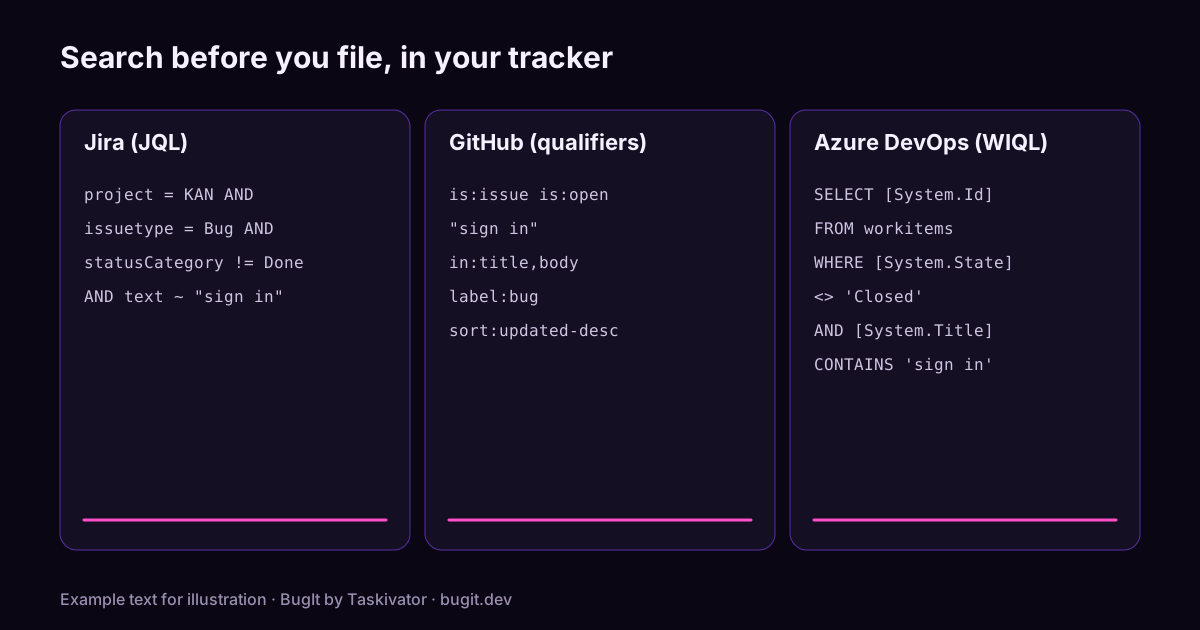
Before you search: what to search for
Pick a few kinds of terms and try them one at a time.
- The symptom in a user's words: the message on screen, the screen name, the action that failed.
- The error text: an exception name, a status code or a message, copied exactly.
- Synonyms: crash, freeze, hang and spinner can describe one fault. Login, sign in and authenticate can too.
Jira: JQL searches
Open the issue search, switch to JQL, and paste one of these. The text field searches the main text of an issue, including the summary, description and comments. Change the project key and the words to match yours.
Open bugs that mention the symptom:
project = KAN AND issuetype = Bug AND statusCategory != Done AND text ~ "sign in" ORDER BY created DESCAn exact phrase, such as an error message. The inner quotes are escaped with a backslash:
project = KAN AND text ~ "\"token refresh\"" ORDER BY updated DESCWord starts and near misses. A star matches the rest of a word, and a tilde after a word allows small spelling differences:
project = KAN AND (text ~ "authent*" OR text ~ "timeout~") ORDER BY created DESCSearch only the summary, which is where people put the short version of the problem:
project = KAN AND summary ~ "spinner" ORDER BY created DESCRecently closed bugs, in case the one you found was fixed and has come back:
project = KAN AND issuetype = Bug AND statusCategory = Done AND resolved >= -90d AND text ~ "sign in" ORDER BY resolved DESCNarrow by area when the list is long:
project = KAN AND issuetype = Bug AND component = Checkout AND statusCategory != Done ORDER BY created DESCA few Jira tips. Put the star at the end of a word. Try the same search with text and then with summary, since the two find different tickets. If your site uses the Duplicate resolution, search for it to see which bugs were already merged: resolution = Duplicate.
GitHub Issues: search qualifiers
Use the search box on the Issues tab, or the search page, and paste one of these. Quotes keep a phrase together. A minus sign in front of a qualifier excludes it. Searches are not case sensitive.
Open issues that mention the symptom in the title or the body:
is:issue is:open "sign in" in:title,bodySearch only the comments, which is where people often paste the error:
is:issue "token refresh" in:commentsInclude closed issues, because the bug may have been closed too early:
is:issue "sign in" in:title,body sort:updated-descBugs with a label, in one repository:
repo:OWNER/REPO is:issue label:bug is:open timeoutIssues that nobody has labelled yet, which are easy to overlook:
repo:OWNER/REPO is:issue is:open no:label "sign in"Recent activity only:
repo:OWNER/REPO is:issue "sign in" created:>2026-01-01Closed issues that were closed as not planned, in case you are about to rediscover a decision:
repo:OWNER/REPO is:issue is:closed reason:"not planned" "sign in"Dates use the year, month and day order. To search every repository in an organization, use org:YOURORG in place of repo:OWNER/REPO.
Azure DevOps: WIQL and search tips
Azure DevOps gives you a search box and queries. The search box finds work items quickly. A query, written in WIQL or built in the query editor, gives you a list you can sort and share.
In the search box, type words and add quick filters. These examples come from the work item search filters:
sign in t:Bug s:Active
t:Bug tags:regression
t:Bug "token refresh" area:Contoso/Mobile
t:Bug CreatedDate> @Today-30
The filters t: for work item type and s: for state are shortcuts, and you can also type a field name followed by a colon, such as tags:. Quotes group words, but they do not require the exact phrase, so check the results by eye. Search matches word forms, so updating also finds update.
For a query, open Boards, then Queries, and use the WIQL editor or the query editor. This query lists bugs that are not closed and that mention a word in the title:
SELECT [System.Id], [System.Title], [System.State]
FROM workitems
WHERE [System.TeamProject] = @project
  AND [System.WorkItemType] = 'Bug'
  AND [System.State] <> 'Closed'
  AND [System.Title] CONTAINS 'sign in'
ORDER BY [System.CreatedDate] DESC
Search the long text fields as well, by words rather than by substring:
SELECT [System.Id], [System.Title], [System.State]
FROM workitems
WHERE [System.TeamProject] = @project
  AND [System.WorkItemType] = 'Bug'
  AND [Microsoft.VSTS.TCM.ReproSteps] CONTAINS WORDS 'token refresh'
ORDER BY [System.ChangedDate] DESC
Bugs changed in the last month under one area:
SELECT [System.Id], [System.Title], [System.State]
FROM workitems
WHERE [System.TeamProject] = @project
  AND [System.WorkItemType] = 'Bug'
  AND [System.AreaPath] UNDER 'Contoso\Mobile'
  AND [System.ChangedDate] >= @Today - 30
ORDER BY [System.ChangedDate] DESC
State names depend on your process. The Agile process uses New, Active, Resolved and Closed, while other processes use their own words, so adjust the State line to match yours. Field names that contain spaces or periods go in square brackets.
When you find a match
A match is a pointer, not a verdict. Read it and choose the move that fits.
- Same bug, new evidence: add your steps, build and log to the existing ticket instead of filing a second one.
- Related, not the same: file a new ticket and link the two, using Related in Azure DevOps, a link in Jira, or a mention of the issue number in GitHub.
- Looks the same but closed: say what is different now, and ask for the ticket to be reopened or file a new one that points to it.
Where BugIt fits
Searching a tracker properly takes patience, and it is the step people skip when they are in a hurry. When you describe a bug, BugIt searches your tracker for tickets like yours before you see the draft. The search only reads. It gives each candidate a score so you can judge how close it is, and it lists related tickets in the draft. A quick bug skips the search.
It is a pointer, not a verdict. You review every draft before it is filed, BugIt redacts common personal data as a best effort, and nothing is written to your tracker until you type FILE IT.
Find out more at bugit.dev and taskivator.com/bugit.
The takeaway
Search the symptom, the error text and the synonyms, include closed tickets, and run more than one search. Copy a query from this page, change the words, and spend two minutes before you file. It saves someone an afternoon of triaging the same bug twice.