
A bug report template is only useful if it fits where people write the report. A block of text that pastes cleanly into Jira is awkward in Azure DevOps, where the fields are already split up. A GitHub repository can go further and show reporters a form.
This page gives you one template in the shape each tracker likes. Copy the one that matches your tracker, change the headings to your team's words, and keep the parts that answer a developer's first questions: where, how, what you expected, what happened, on which build, and how bad it is.
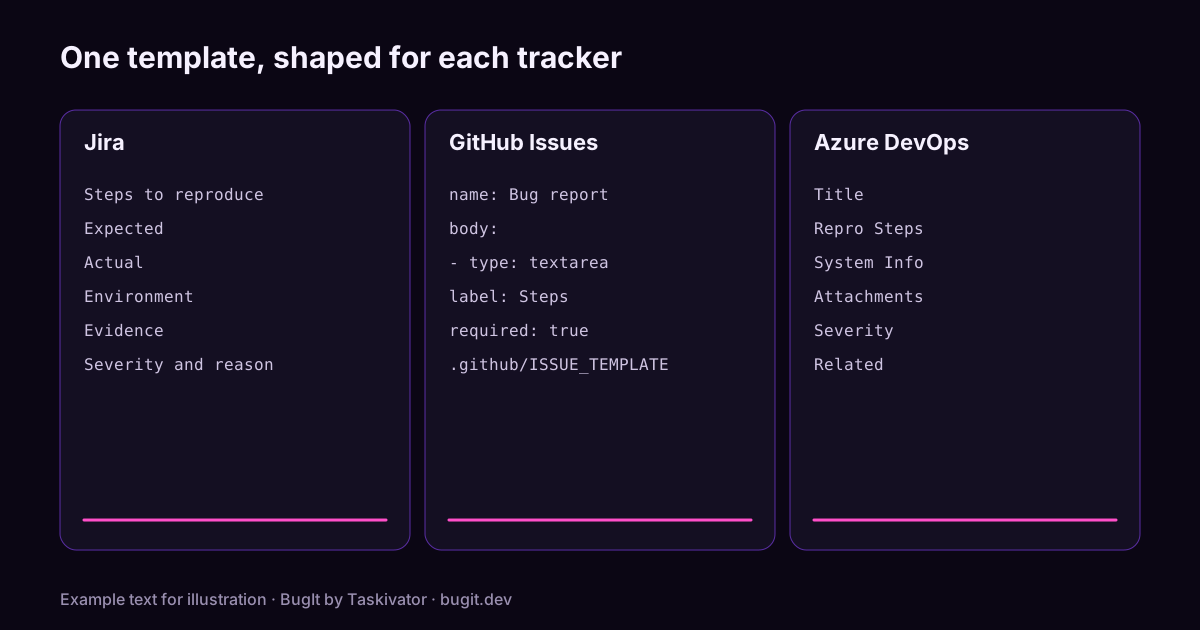
Jira: paste it into the description
In Jira the title goes in the Summary field and everything else goes in the Description. This block pastes cleanly into the Description in plain text, so it survives a change of editor.
Steps to reproduce
1. Where you start (page, screen, command)
2. What you do
3. What you do next
4. The step where it goes wrong

Expected
What should have happened.

Actual
What happened instead, including the message shown.

Environment
Version or build, platform, browser or operating system,
account type, and how often it happens.

Evidence
Log excerpt, screenshot, request id or a short recording.

Severity and reason
How bad it is and who it affects.

Related
Tickets that look similar or touch the same area.
A few Jira habits help. Put the area in the Summary as a short tag, such as [Checkout]. Use the Components or Labels field for the same area, so people can filter. Attach the screenshot to the issue instead of describing it, and remove personal data before you do.
GitHub Issues: add an issue form to the repository
GitHub lets a repository offer issue forms. A form shows reporters labelled boxes instead of an empty text area, and it can mark some of them as required. Save this file in your repository as .github/ISSUE_TEMPLATE/bug_report.yml.
name: Bug report
description: Report something that does not work as expected
title: "[Bug]: "
labels: ["bug"]
body:
  - type: textarea
    id: steps
    attributes:
      label: Steps to reproduce
      description: Numbered steps that start somewhere a stranger can reach.
      placeholder: |
        1. Open the page or run the command
        2. Do this
        3. Then this
        4. The step where it goes wrong
    validations:
      required: true
  - type: textarea
    id: expected
    attributes:
      label: Expected
      description: What should have happened.
    validations:
      required: true
  - type: textarea
    id: actual
    attributes:
      label: Actual
      description: What happened instead, including any message shown.
    validations:
      required: true
  - type: input
    id: version
    attributes:
      label: Version or build
      description: The release, commit or build you saw this on.
    validations:
      required: true
  - type: textarea
    id: environment
    attributes:
      label: Environment
      description: Platform, browser or operating system, and how often it happens.
  - type: textarea
    id: evidence
    attributes:
      label: Evidence
      description: Log excerpt, request id or a screenshot. Remove personal data first.
      render: shell
  - type: dropdown
    id: severity
    attributes:
      label: Severity
      options:
        - Blocks work
        - Wrong result
        - Cosmetic
Two notes. The render: shell line formats the evidence box as code, which keeps log lines readable. And the form file only changes what new reporters see; it does not touch issues that already exist.
Azure DevOps: one entry per field
Azure DevOps already splits a bug into fields, so the template is a guide for what goes where. Which fields you see depends on the process your project uses.
Title
[Area] What goes wrong, in a few words

Repro Steps
1. Where you start
2. What you do
3. What you do next
4. The step where it goes wrong
Expected: what should have happened.
Actual: what happened instead, including the message shown.

System Info (or the Environment area of your form)
Build, platform, browser or operating system, how often it happens.

Attachments
Trimmed log, screenshot or recording.

Severity
Pick the value that matches the impact, and say why in the discussion.

Related
Link similar work items with the Related link type.
In the common Agile, Scrum and CMMI processes the Bug type has a Repro Steps field, so the numbered steps, Expected and Actual go together there. The Basic process tracks bugs as Issues, which have a Description instead. Use the area path and tags to say which part of the product the bug touches.
Habits that work in any tracker
- One bug per ticket. Two problems in one report get fixed at different times, so file them separately and link them.
- Search before you file. Someone may have reported it already. The duplicate search cheat sheet has the searches for each tracker.
- Run your own steps once more. If the bug does not repeat, say how often it did. The checklist in How to write reproduction steps shows how.
- Trim before you attach. Look for email addresses and access tokens in logs and screenshots.
Where BugIt fits
A template is easy to agree with and hard to follow at the end of a long day. BugIt closes that gap. You describe what broke in a rough sentence, and BugIt writes the report in your team's wording, then files it to your tracker, which can be Jira, Azure DevOps or GitHub Issues, among others. It redacts common personal data as a best effort, so you read the draft before it is filed. You review every draft, and nothing is written to your tracker until you type FILE IT.
Learn more at bugit.dev and taskivator.com/bugit.
The takeaway
Use the shape your tracker likes and keep the same parts: steps, expected, actual, environment, evidence and a severity with a reason. Copy a template, change the headings to your team's words, and share it so everyone starts from the same page.